
Locking the displays
When the house is empty, lock the displays so names, chores and the calendar aren’t on show through a window. A locked display shows only the photos and the clock: no family name, no people, no chores, no events. The server sends nothing personal to it either. Locking applies to every household display at once, and they all change live.
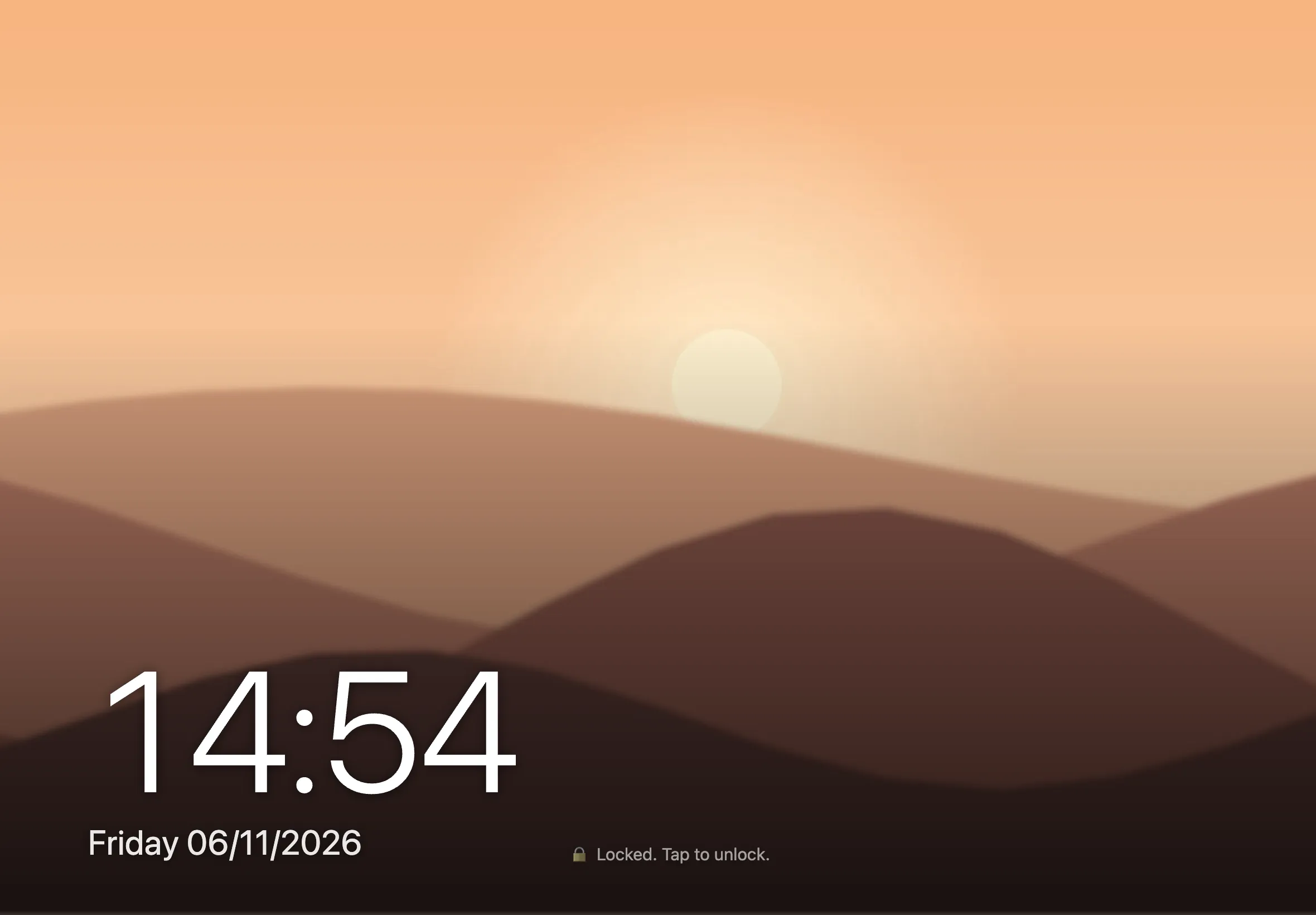
Tap 🔒 on the board, or use Lock the displays on your phone (on the board or in Admin). The 🔒 button only shows on a display once there’s a household code or an adult PIN to unlock it again. Locking also locks admin on every display.
The displays can also lock by themselves. Set both of these up in Admin › Settings:
- On a schedule: tick the days, then set Lock at and Unlock at, for example weekdays 09:00–15:00 for school and work. An unlock time earlier than the lock time runs overnight.
- After hours with nobody using them: 0 turns this off.
Unlock
Section titled “Unlock”Tap a locked display. Pick who’s unlocking and enter their PIN, or pick Household code and enter that. An adult can also unlock from their phone.
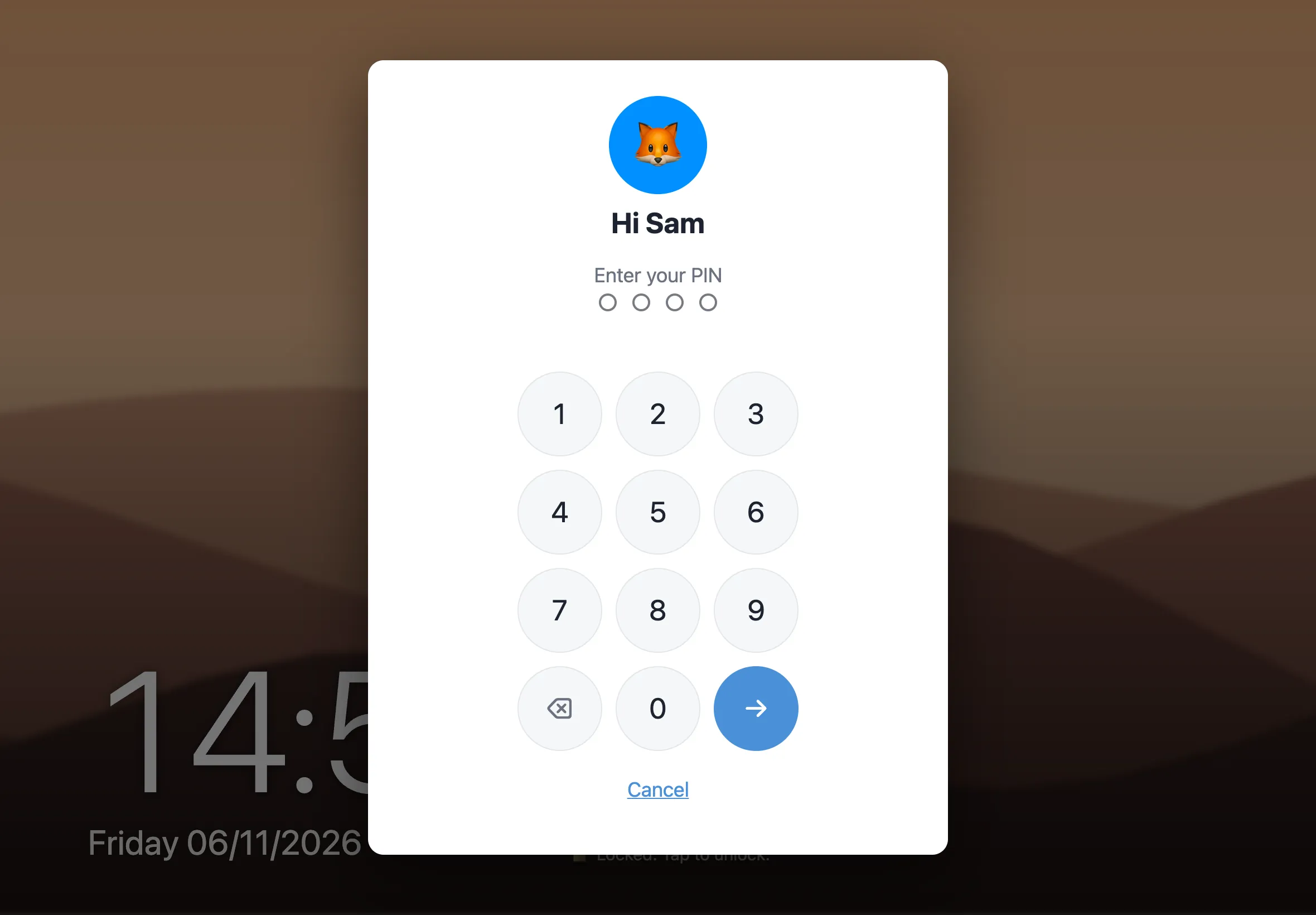
- Set the household unlock code (4–6 digits) in Admin › Settings. Anyone can know it, kids included, and any adult’s PIN works there too.
- Unlocking the board never unlocks admin.
- After 5 wrong codes, the keypad waits 5 minutes.
How the schedule behaves
Section titled “How the schedule behaves”- If someone gets home early and unlocks, the displays stay unlocked until the next scheduled lock.
- When a scheduled lock ends, the displays unlock, but only if the schedule locked them.
- A lock you set yourself stays until you unlock it.